¶ Hydra Control Panel Replacement
This guide explains how to safely replace the control panel on your laser machine. It covers proper disassembly, cable removal, and reinstallation steps to ensure stable machine operation and prevent wiring damage.
¶ Tools that need to be prepared
Cross screwdriver
¶ Disassemble the control panel
1. Disconnect the power supply of the device
2. Open the front door cover of the device
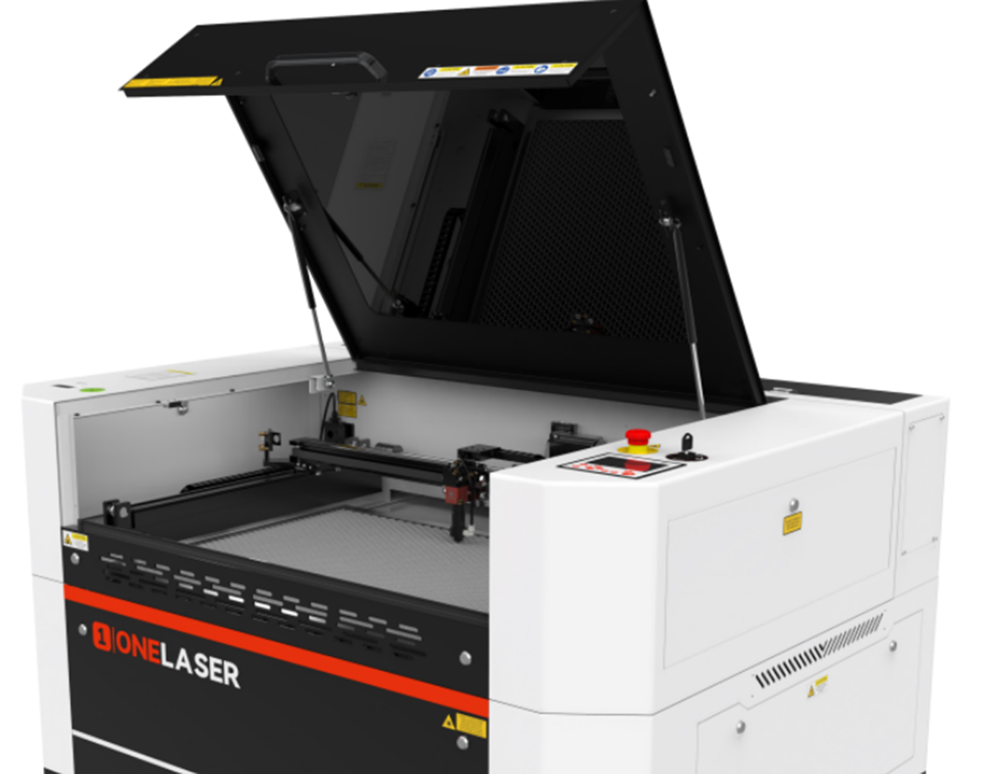
3. Unscrew the fixing screws of the control panel
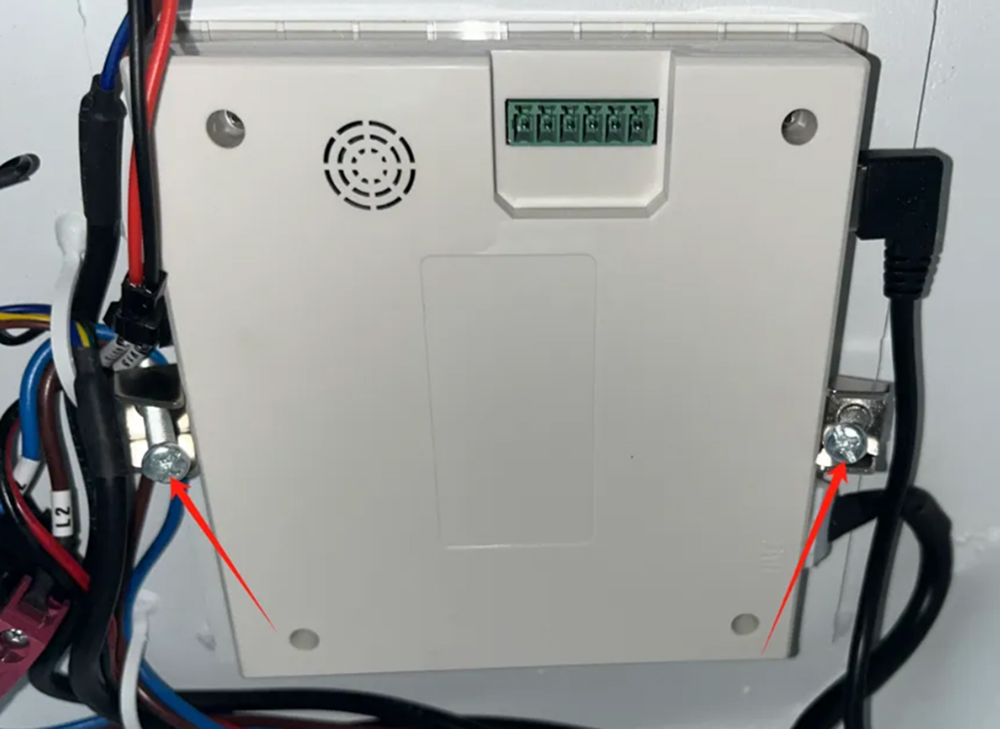
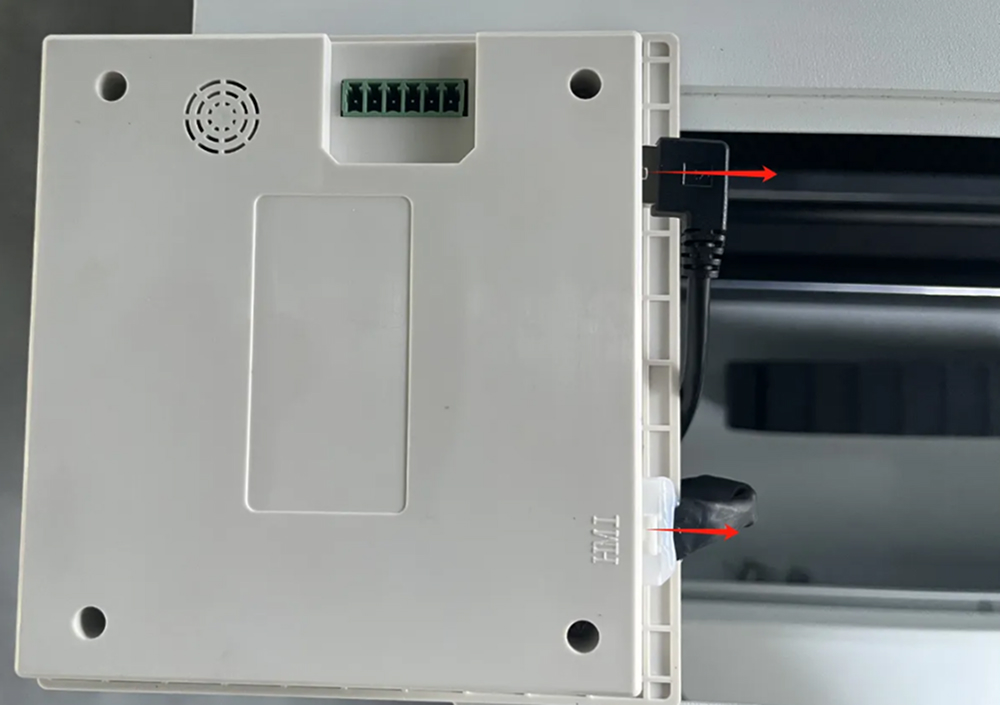
4. Remove the control panel and unplug the USB and signal cables from the panel
¶ Install control panel
1. Connect the USB cable and signal cable to the new panel
2. Fix the panel onto the casing
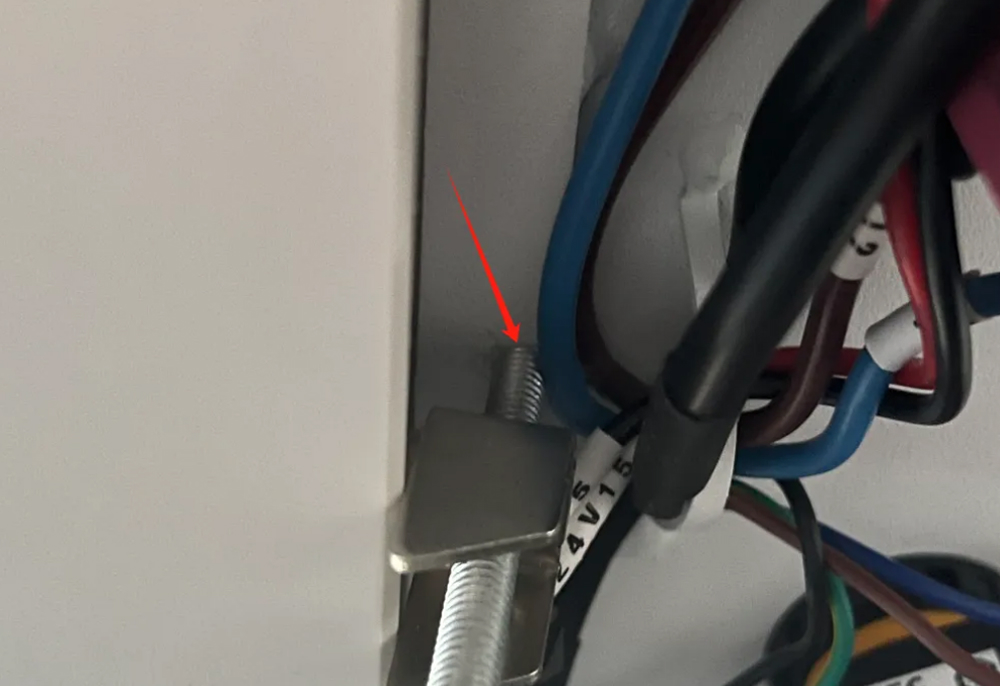
Note: Do not let the fixing screw press onto the wire