¶ LightBurn Software Introduction
¶ What Is LightBurn Software?
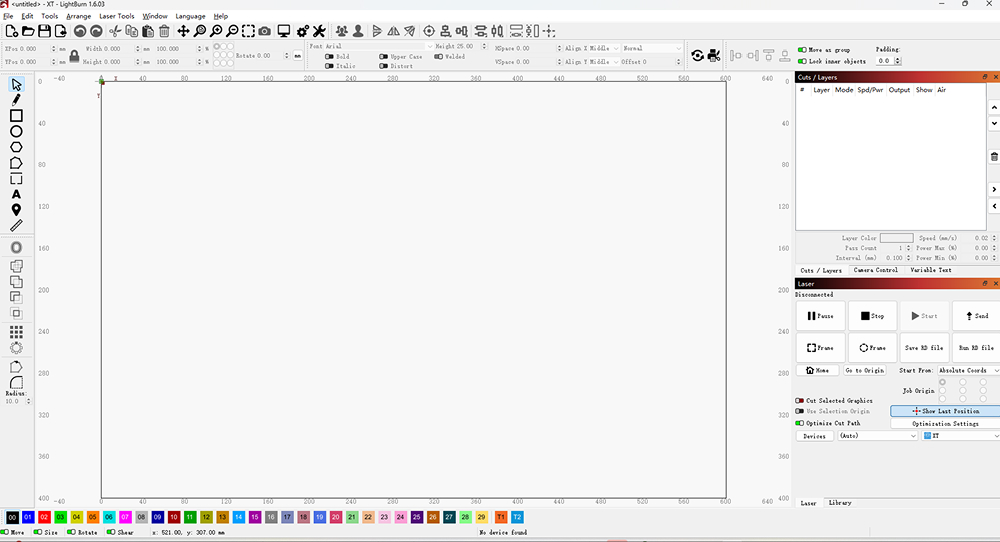
LightBurn is professional laser control software that allows you to design, edit, and send jobs directly to your laser machine. It combines design tools with machine control, making it suitable for both beginners and advanced users.
- With LightBurn, you can:
- Design vector graphics and layouts
- Adjust laser parameters such as power and speed
- Preview jobs before running
- Send files directly to the laser cutter
LightBurn is widely used across hobby, business, and industrial laser workflows.
¶ How the License Works
A LightBurn license is a digital key used to unlock the software for permanent use.
Every new license comes with a year of free updates from the date you first activate it. After a year, you'll still be able to use any version of LightBurn released before your license expired, but you'll need to renew your key in order to continue receiving updates for another year. If you renew before your key expires, you'll receive an additional two months on your one-year renewal.
A LightBurn license automatically comes with 3 seats, meaning you can activate it on three computers at one time. You can use the LightBurn License Portal to view and remove activations on your key, freeing up activations in use on old or inoperable computers so you can activate on new ones.
¶ Quick Start
Follow these links step by step, and you'll be able to get started quickly.
Before watch the video, you must know the info about the 1Laser:
- The origin for 1Laser is Rear left.
- It's controller is Ruida
Connecting Lightburn via Ethernet
¶ Toolbar
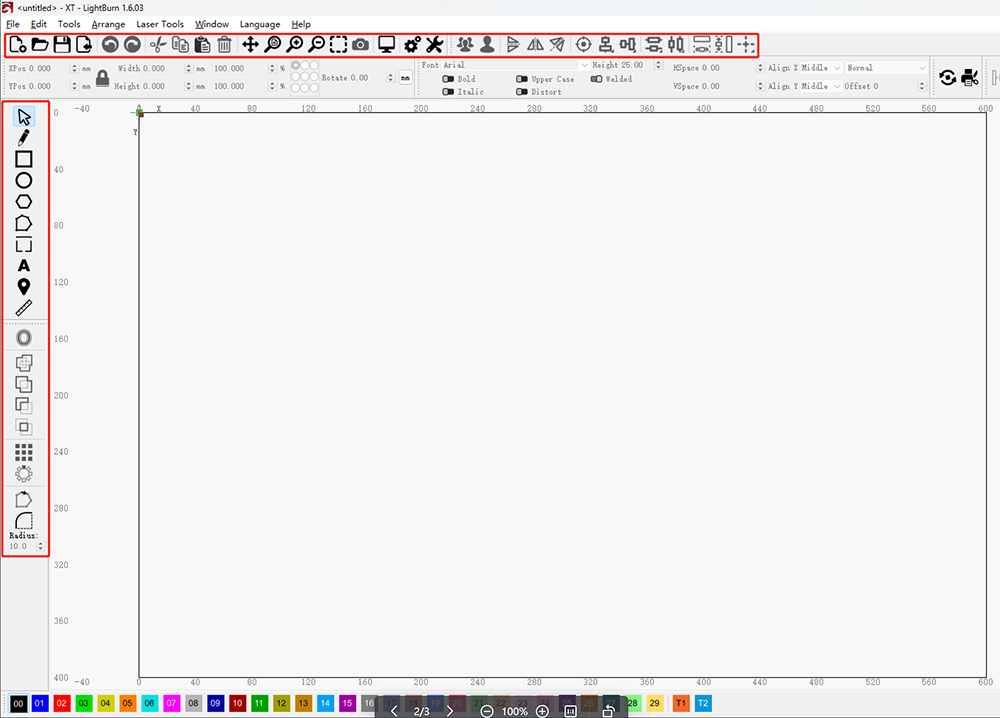
Click Toolbar Instruction to learn more.
¶ User Interface and Features
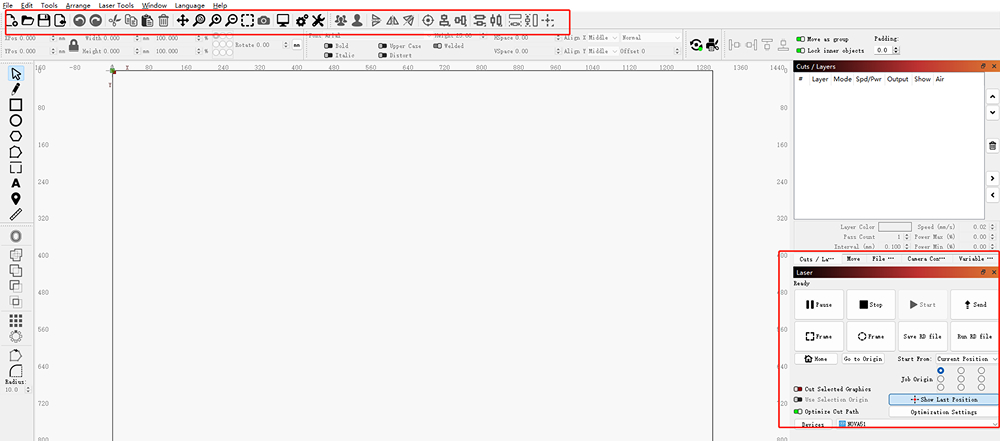
Click User Interface and Features to learn more.
¶ More info about Lightburn
Lightburn provides a professional and complete knowledge base that covers all the features and operation guides of the software. If you need a deeper understanding, you can refer to Lightburn KB.
Lightburn also has many video instructions, click Lightburn Youtube to learn more.
Thank you for your patience. If you still have any questions, please don't hesitate to ask. We are always here to help.