¶ How to Focus a Laser Machine
The automatic focusing method uses contact-based focusing. Soft materials may affect the focusing accuracy (e.g., sponge, leather). For soft materials, please use manual focusing.
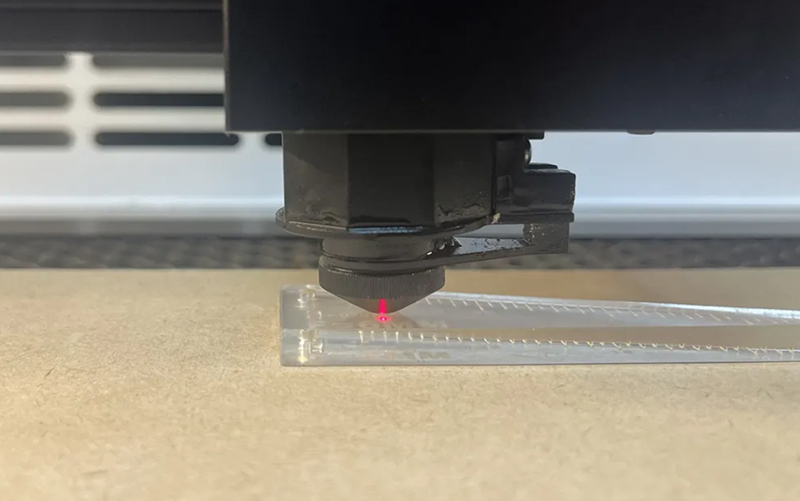
You can use 6 mm acrylic to make a focusing ruler.
File: 6mm focusing ruler.dxf (104.6KB)
¶ Manual Focus
- Place the material on the honeycomb panel and fix it, then move the laser head above the material.
- Use a focusing ruler to focus. The focus distance is 6 mm.
¶ Auto Focus
1. Place the material on the honeycomb panel and fix it, then move the laser head above the material.
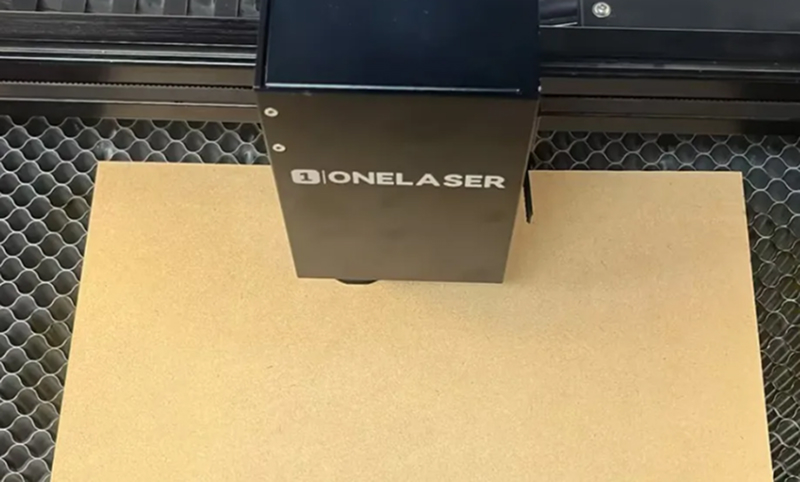
2. Press the autofocus button on the screen and wait for the focus to complete.

¶ Note
Please ensure you only press the autofocus button once for each autofocus operation.
Since there is no lower limit on the Z-axis of the machine, if the honeycomb table is removed, you must place material underneath when using autofocus or pressing down to focus.
Otherwise, this may cause machine and laser head collisions.