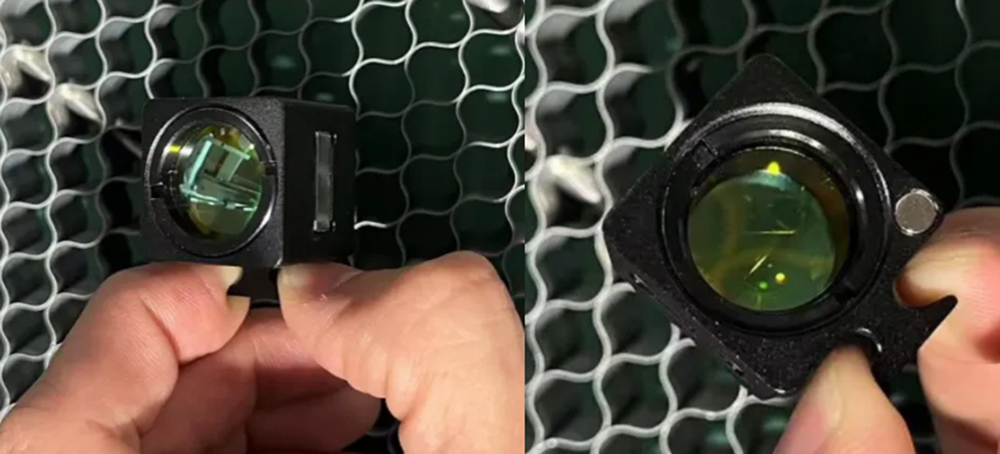
¶ How to Switch Between Different Focus Lenses
Switching focusing lenses is an essential skill for laser engraving and cutting users who want to optimize engraving detail, cutting depth, and material performance. This guide explains how to switch between different focus lenses on XRF and XT series laser machines, including what lenses are supported and how to prepare before making the change.
¶ 1. Preparation Work
¶ ① Consumables Preparation
One Laser series equipment ×1
One focusing lens to be replaced ×1
¶ ② Debugging Software
None
¶ 2. Switching to a Different Focusing Lens
¶ ① Removing the Focusing Lens
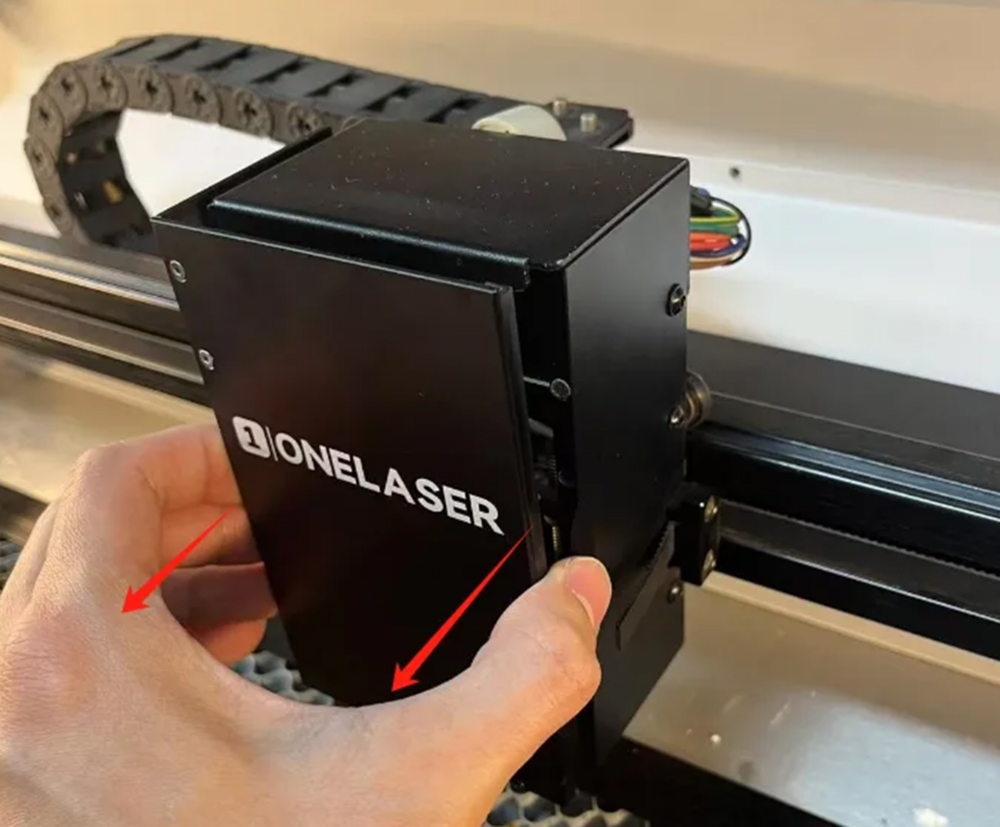
I. Remove the front cover of the laser head
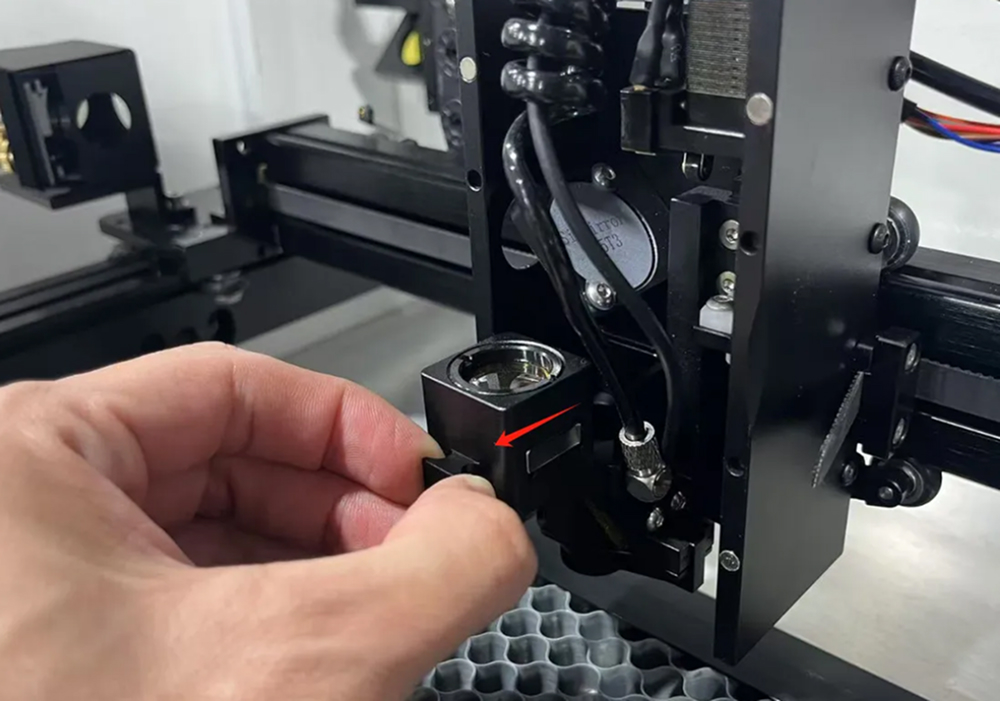
II. Remove the focusing lens seat
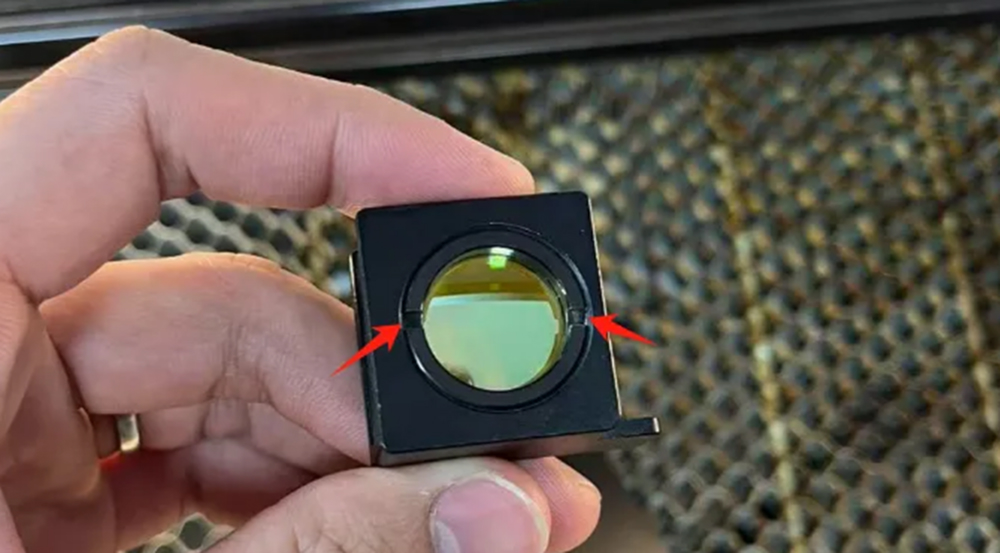
III. You can use a tool to secure the notches on the ring, then rotate counterclockwise to unscrew the retaining ring, thereby removing the focusing lens.
¶ ② Installing the Focusing Lens in the Correct Position
I. The focusing lens mount has designated installation positions for both 2.0-inch and 2.5-inch focusing lenses. Install the focusing lens in the correct position according to your needs.
The 2.5-inch focusing lens is installed on the top.
The 2.0-inch focusing lens is installed at the bottom.
¶ Attention
Only one focusing lens can be installed on the focusing lens mount at a time.
The focusing lens should be installed with the convex side facing up.