¶ Unboxing The X Series
Follow this step-by-step guide to unbox, set up, and prepare your OneLaser X Series for its first use, ensuring safe and smooth operation.
¶ Unbox Steps
Step 1: Cut cable tie.
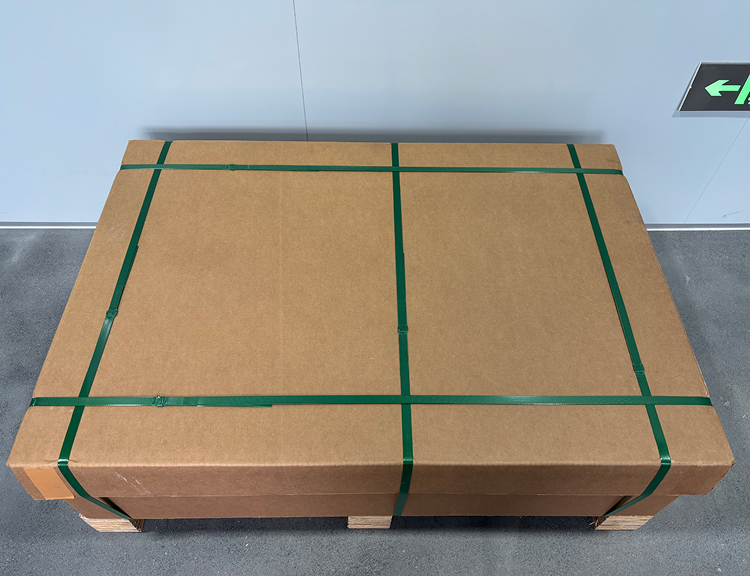
Step 2: After removing the carton packaging, you can move the machine to your workbench.
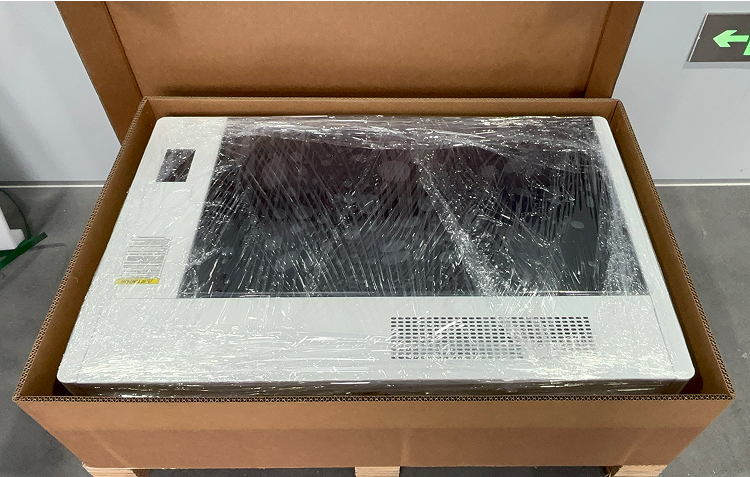
Step 3: Remove the protective film.
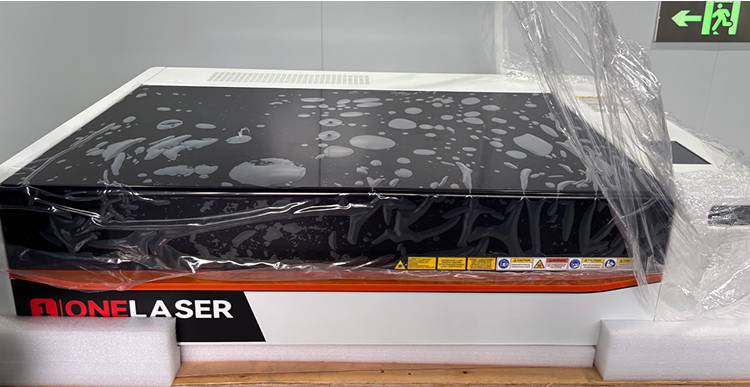
Step 4: Remove all items included and remove the inner foam.
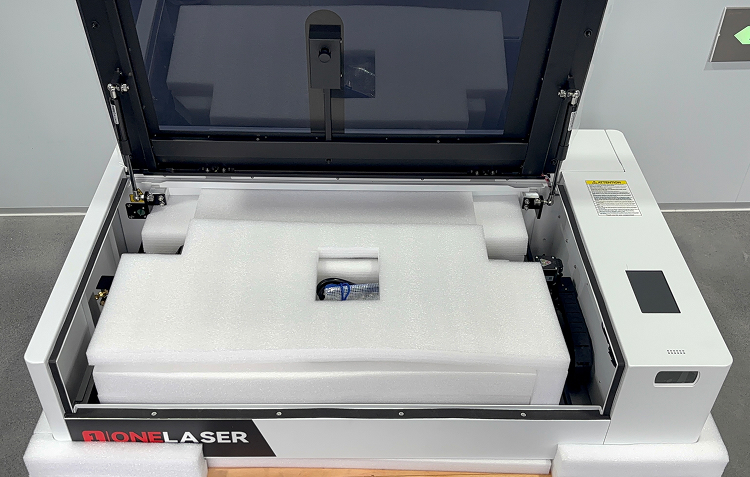
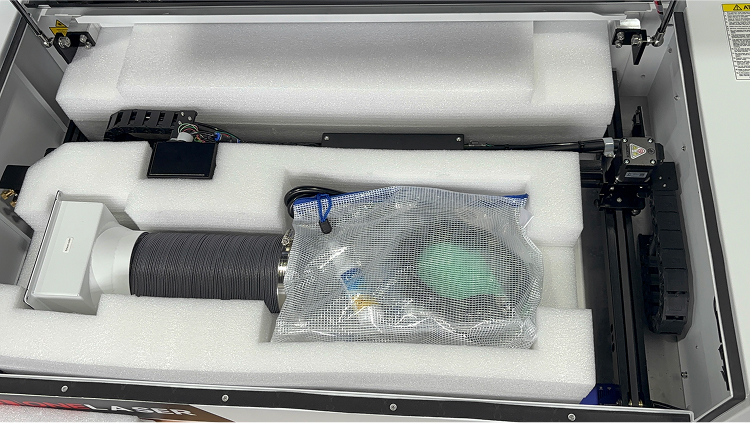
Step 5: Confirm all items.
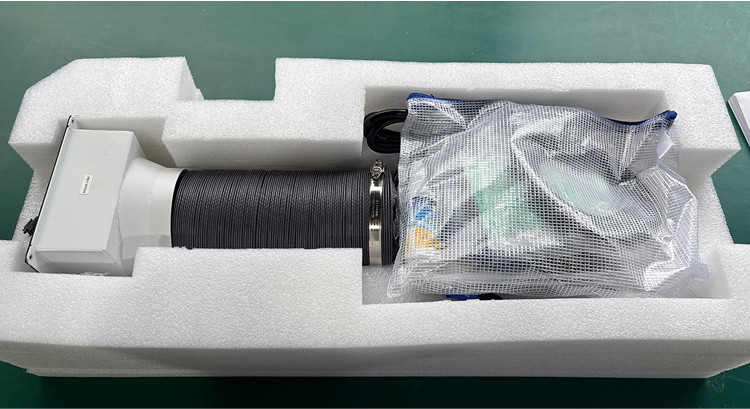
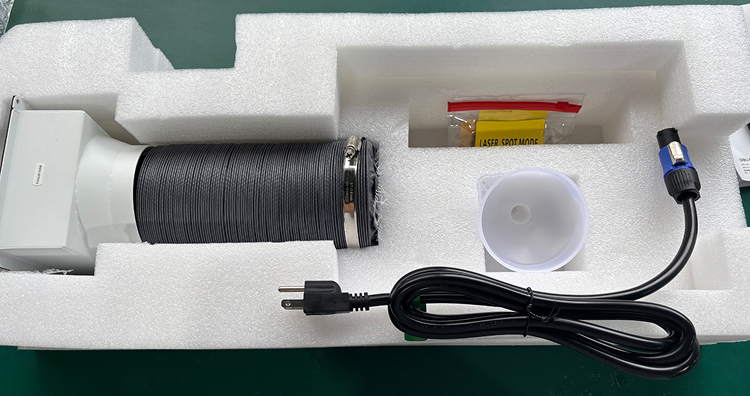
- Please refer to the items of the tool bag here → [Tool Bag Included Parts].
Step 6: Disassemble the back box and add distilled water to the water tank.
- If your equipment is XRF series, you can ignore steps 6–7.
- Remove the screws using an M2.5 screwdriver and take off the rear box cover. Please keep the removed screws.
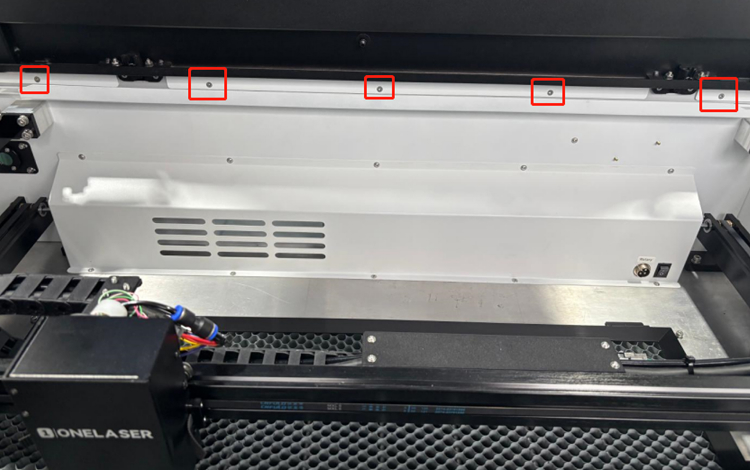
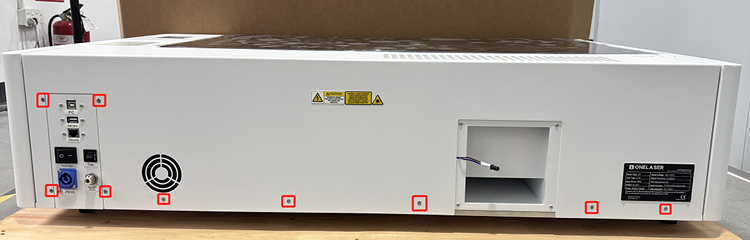
Step 7: Locate the water tank and use a funnel to add distilled or purified water.
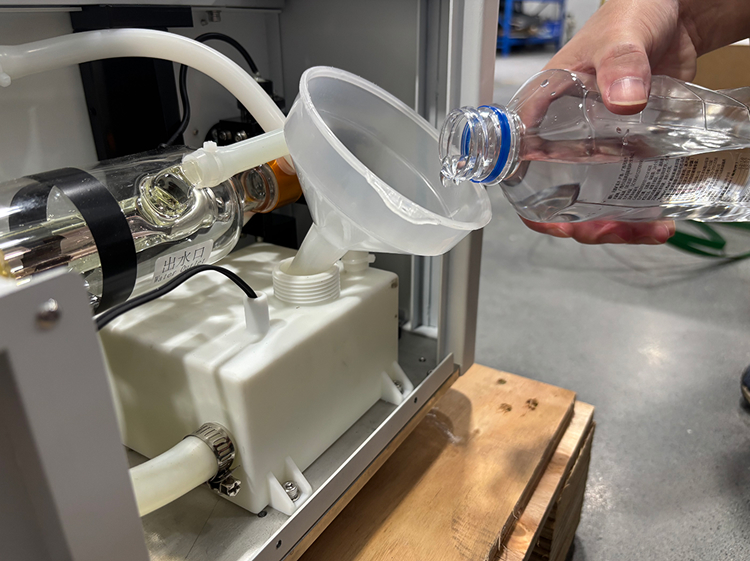
- After the water filling is completed, please remember to install the rear cover back.
Step 8: Installation of exhaust outlet.
- First, remove the screws on the plate.
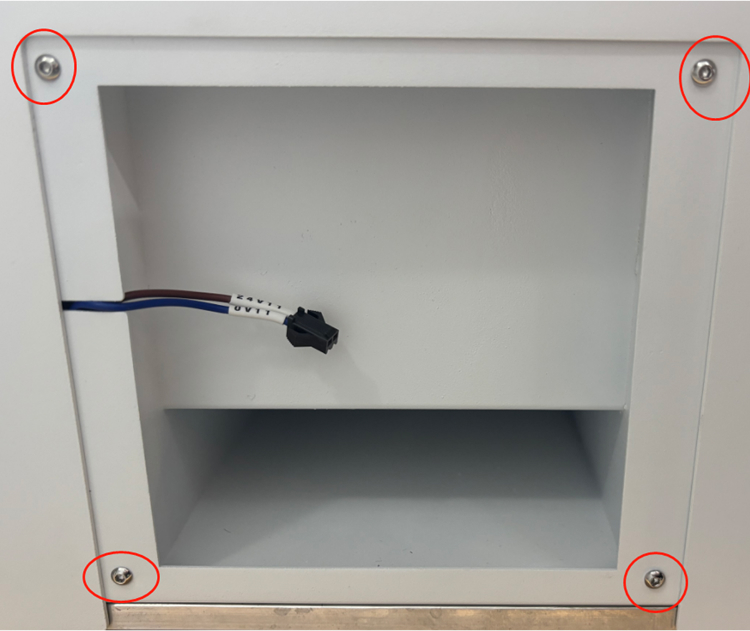
- Connect the 24V connector.
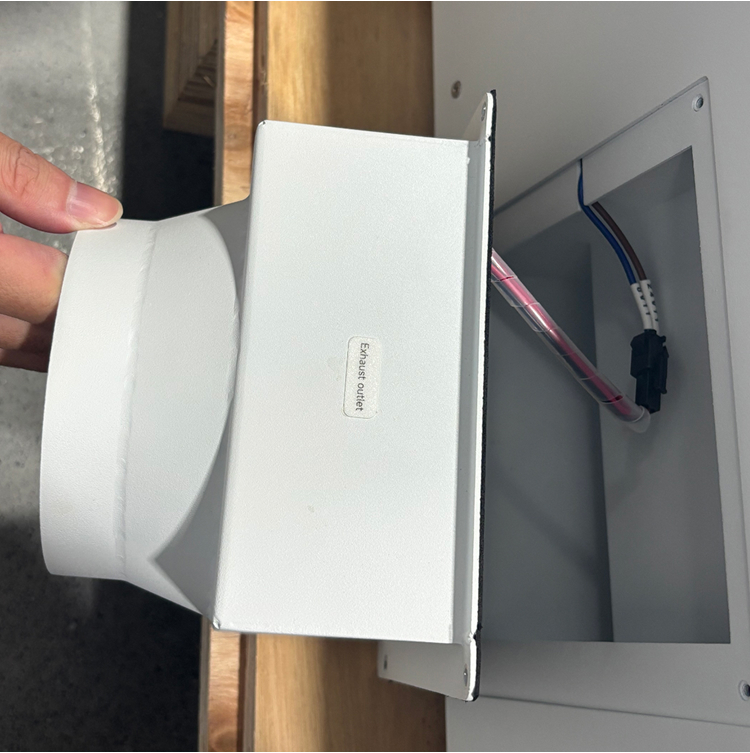
- Install the exhaust outlet.
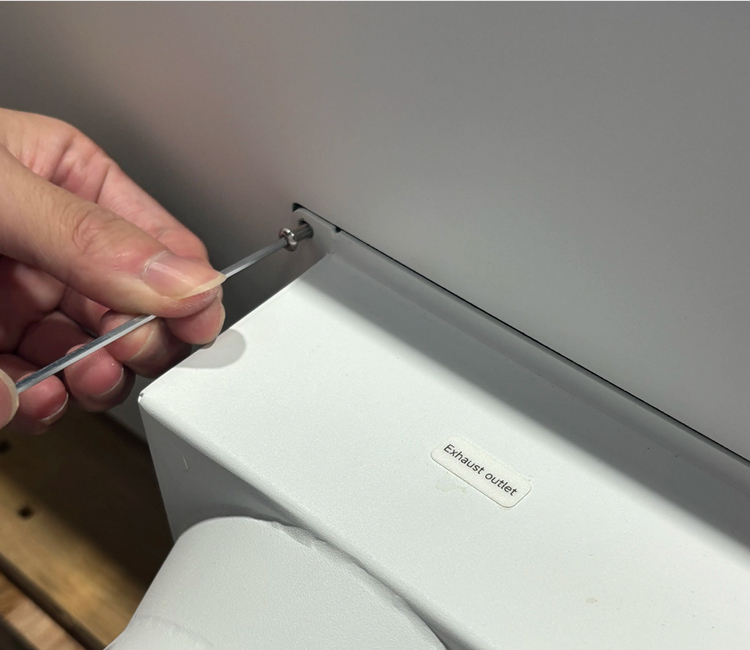
Step 9: Install the exhaust pipe.
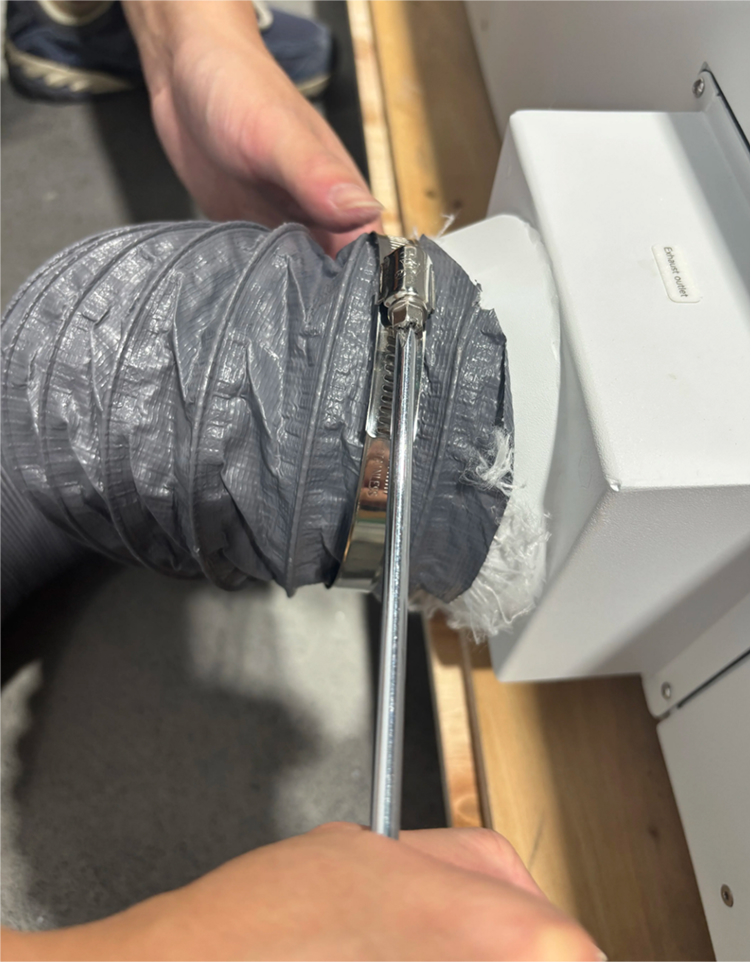
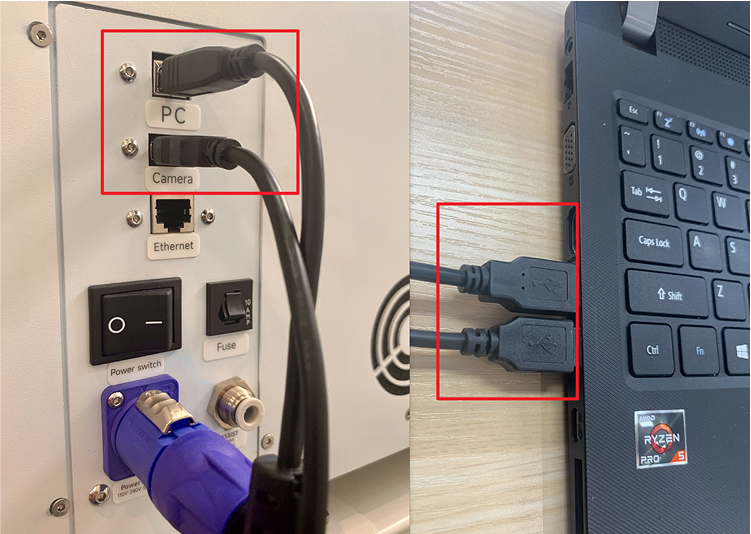
Step 10: Connect the power cable, USB cable, and camera cable.