¶ How to Adjust the Backlash In Vertigo?
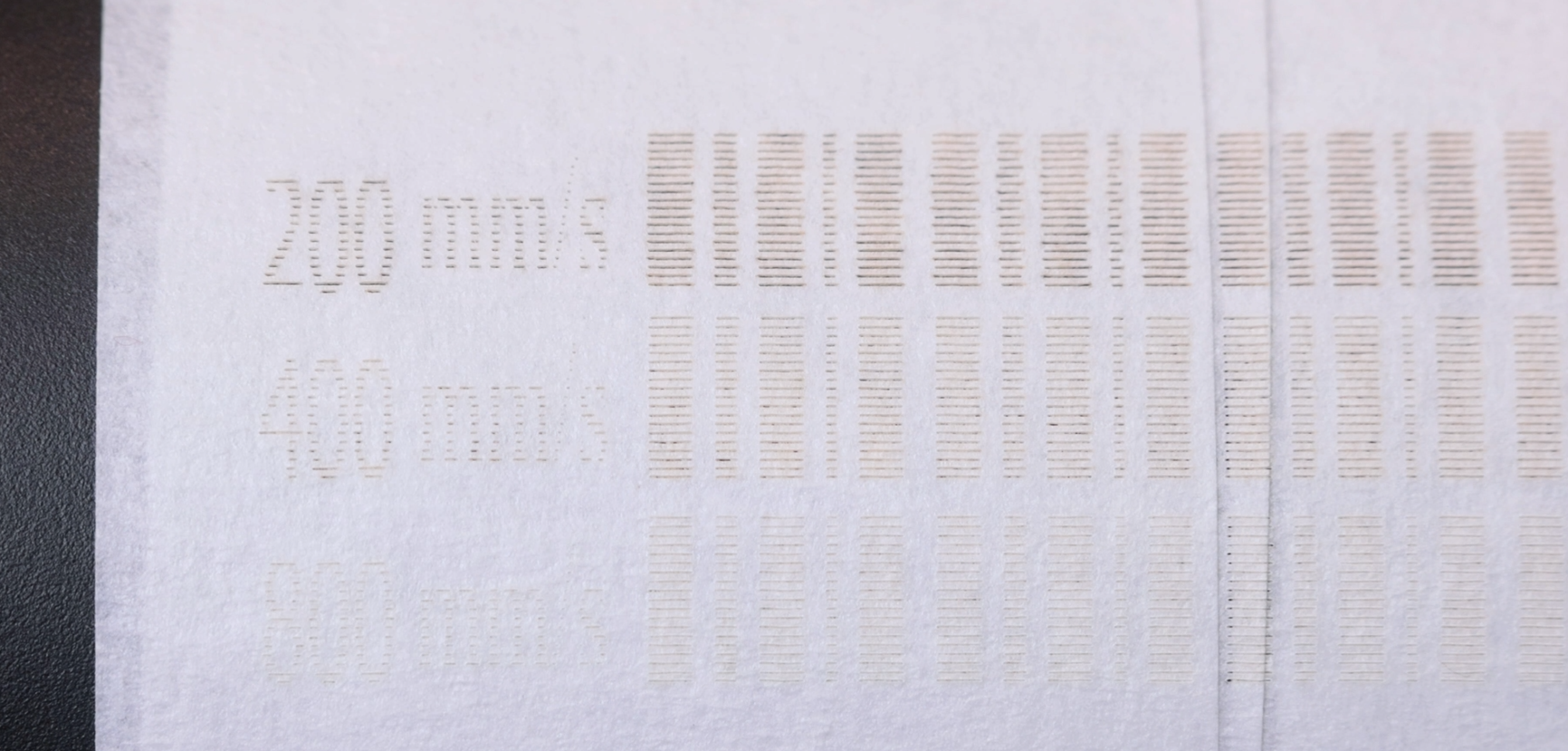
Mechanical backlash may occur when the motion system changes direction, especially during high-speed engraving. This test ensures accurate positioning and prevents visual defects such as uneven edges or misaligned lines.
¶ 1. Option A: Using MakerBoost
Open the Settings menu from the top toolbar.
Select Scan Offset Adjustment.
Read the backlash values.
Run the full test and review the results.


If the result is correct (i.e., edges appear aligned to the naked eye), no adjustment is needed.
If edges are uneven, adjust the backlash values, apply them, and repeat the test until accurate results are achieved.
¶ 2. Option B: Using LightBurn
Go to Device Settings.
Enable Scan Offset Adjustment.
Follow the guided calibration process provided by the software (the procedure is essentially the same as in MakerBoost).

¶ 3. Note
If the backlash value cannot be read automatically, refer to the engraved value card included with the machine accessories. You can manually input the value and write it into the machine.