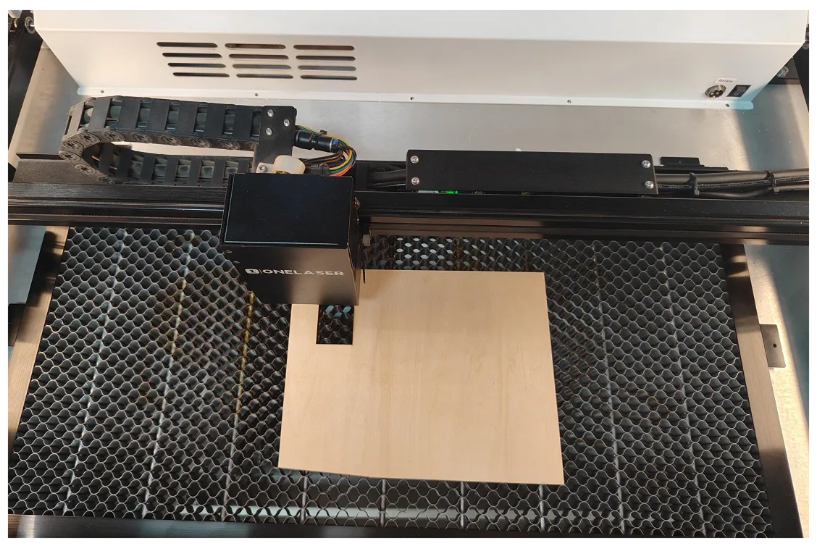
¶ Laser File Processing Steps
Follow this step-by-step guide to prepare, send, focus, and process laser cutting and engraving files on OneLaser X Series machines.
¶ Preparation before formally processing a file
Before you start processing, please make sure that the equipment is in working order (i.e., external equipment installation and software connection have been completed). If necessary, please read the following article first.
Connect XT & XRF To LightBurn Via USB Cable
¶ Processing steps
1/ Turn on the machine and connect the software
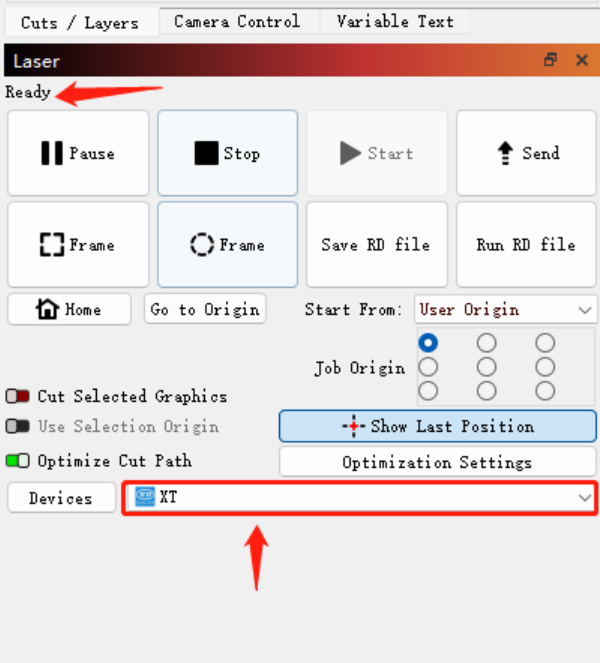
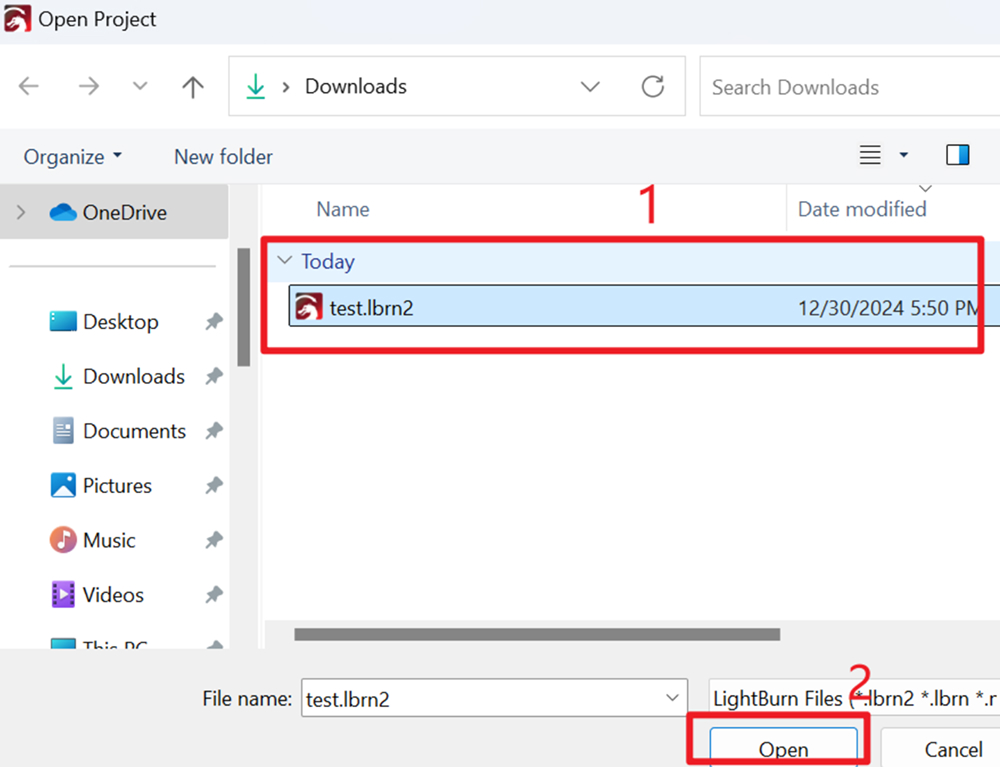
2/ Open the software and import the files you want to process
3/ Adjust the file size
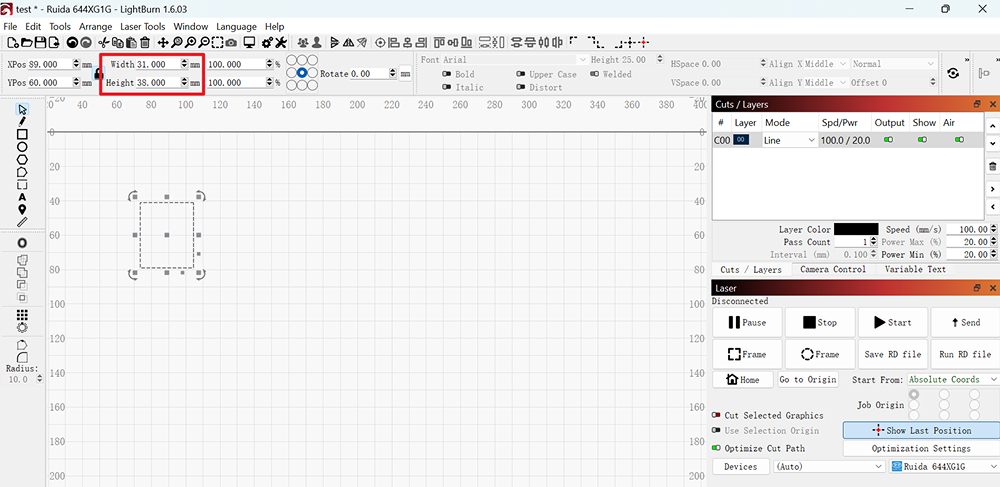
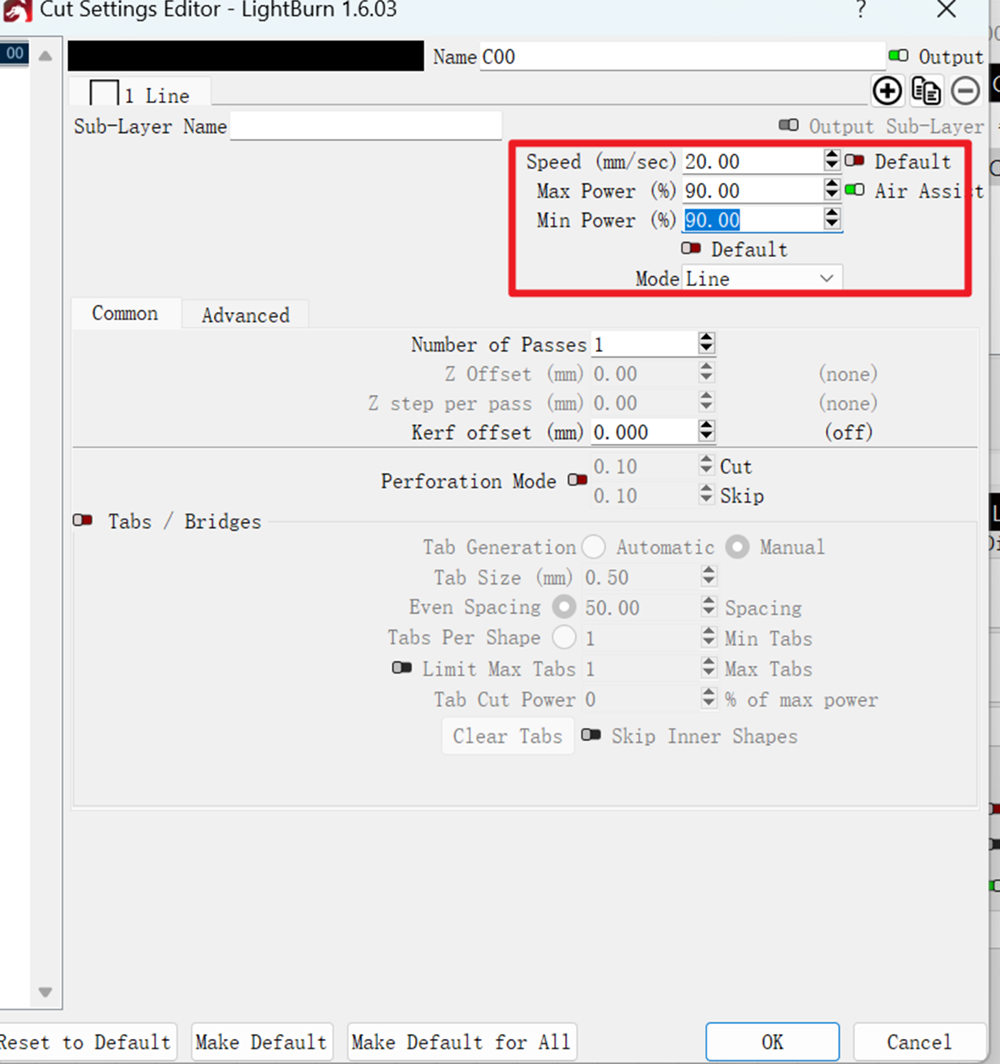
4/ Set processing parameters. Processing parameters can be set according to the material tool test results.
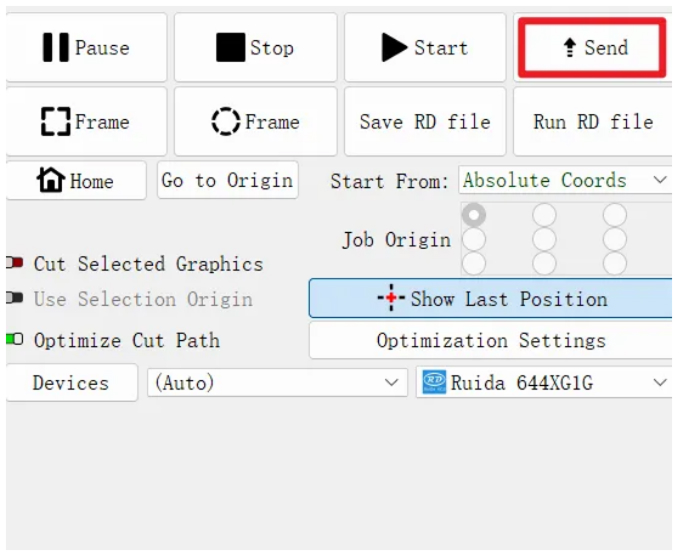
5/ Send files to the machine
6/ Place the material on the work platform
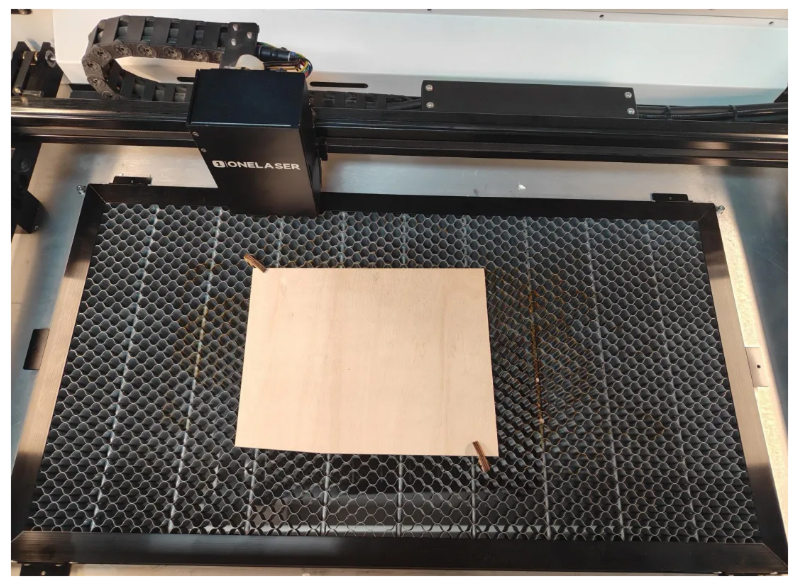
7/ Move the laser head over the material
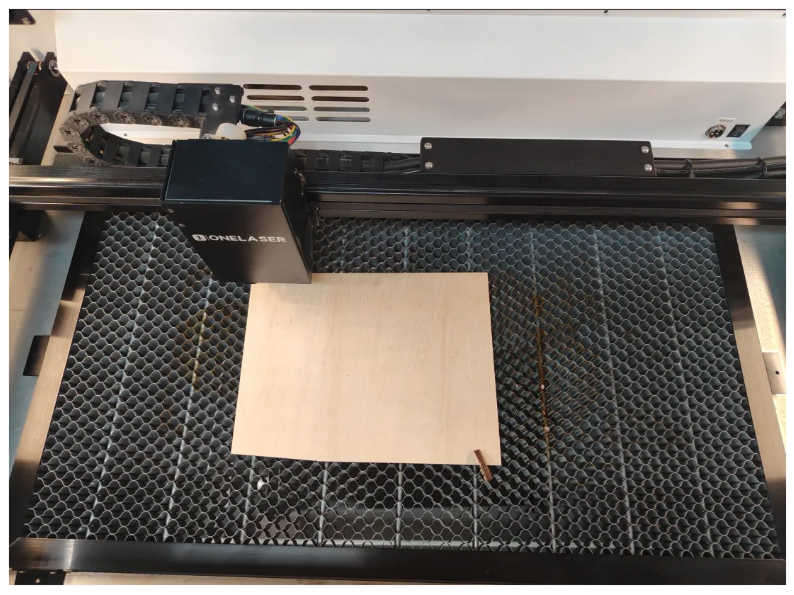
8/ Focus completed
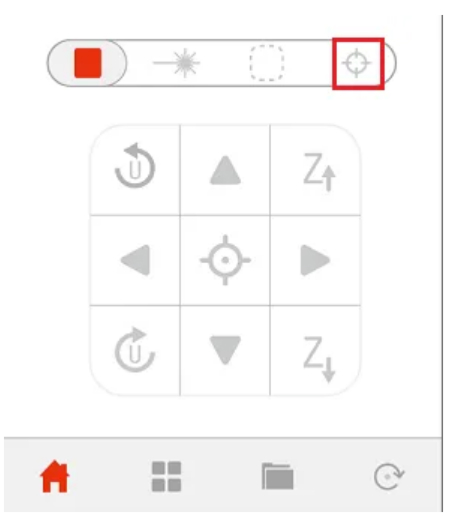
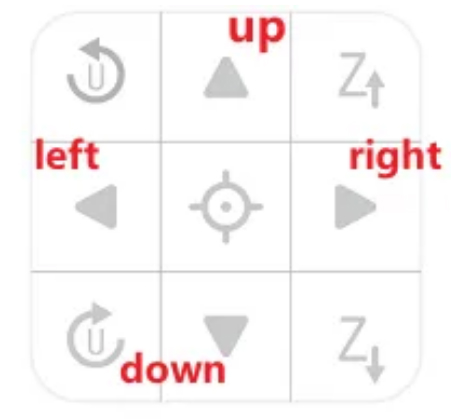
9/ Move the laser head to the desired starting point
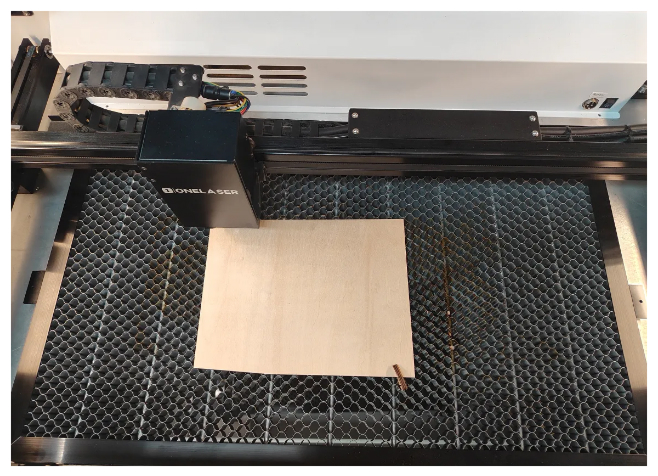
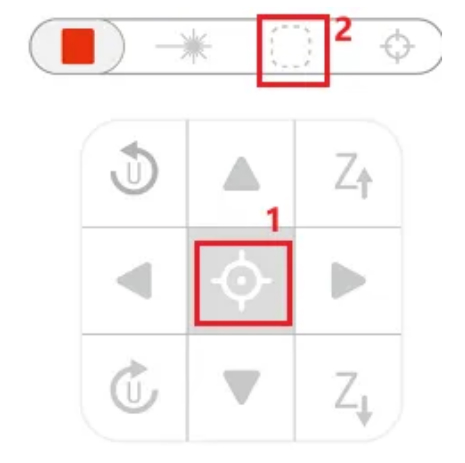
10/ Click to locate and frame
11/ Click to start processing
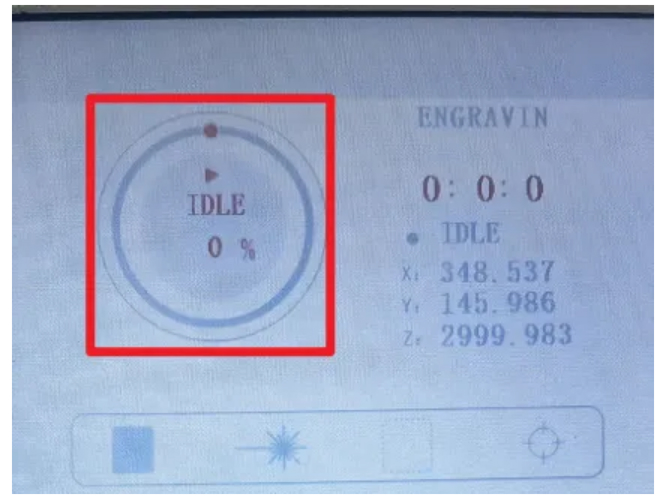
12/ Processing completed