¶ Welcome to Onelaser Wiki
Onelaser Knowledge Base —your practical field guide to our engravers and software.
Whether you’re unboxing your first machine or fine-tuning a production workflow, you’ll find clear, tested steps for setup, calibration, materials, maintenance, and firmware—written by the team that builds and supports these tools. Start with Getting Started, dial in settings in Materials & Profiles, explore OneLaser Studio in Software, and grab installers in Downloads & Firmware. If something misbehaves, Troubleshooting groups fixes by symptom or code. We keep articles fresh; if a page can be sharper, leave a comment or contact Support—your notes help everyone engrave better.
¶ Wiki Content
You can find all the articles related to Onelaser products in the following categories
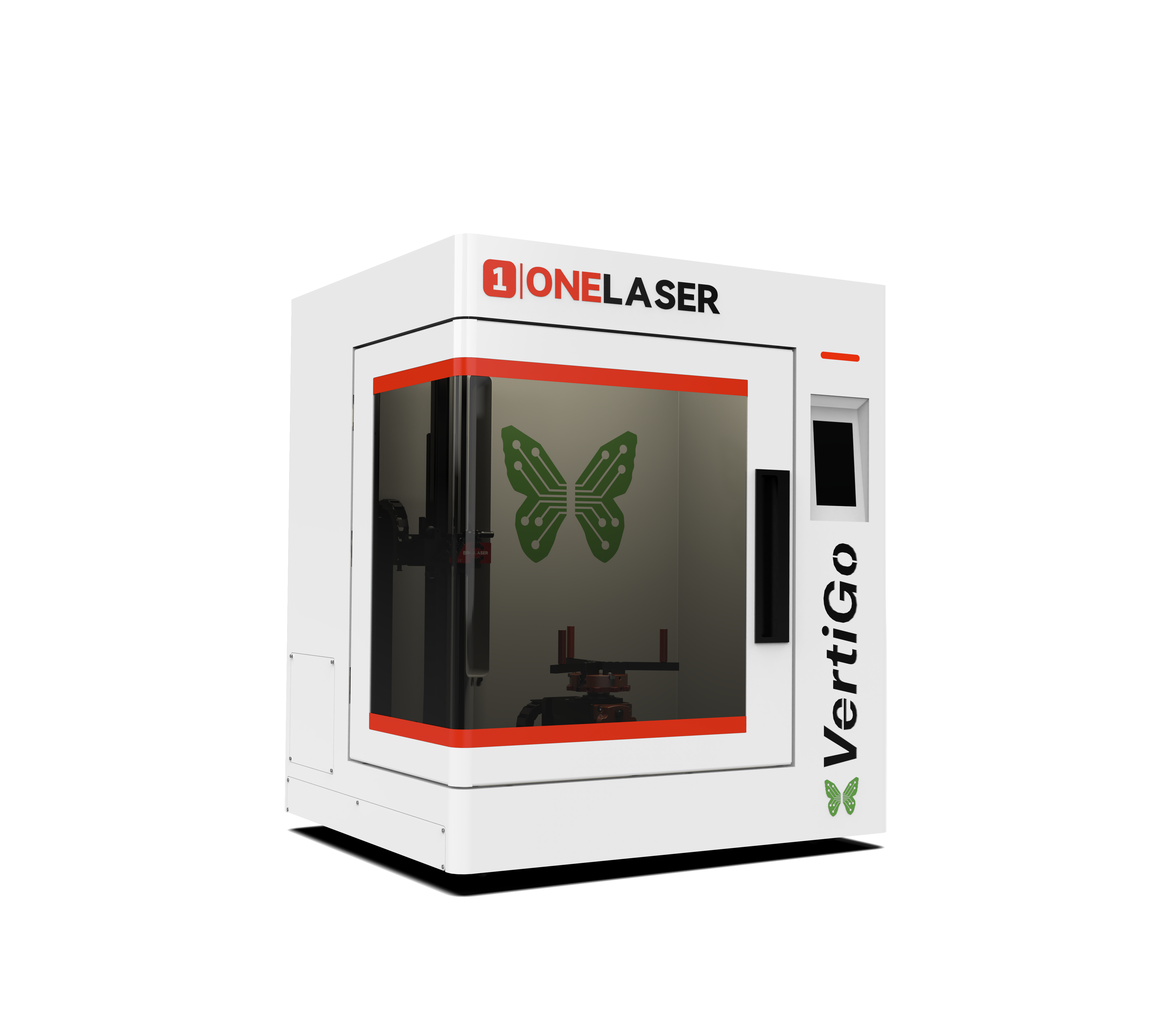
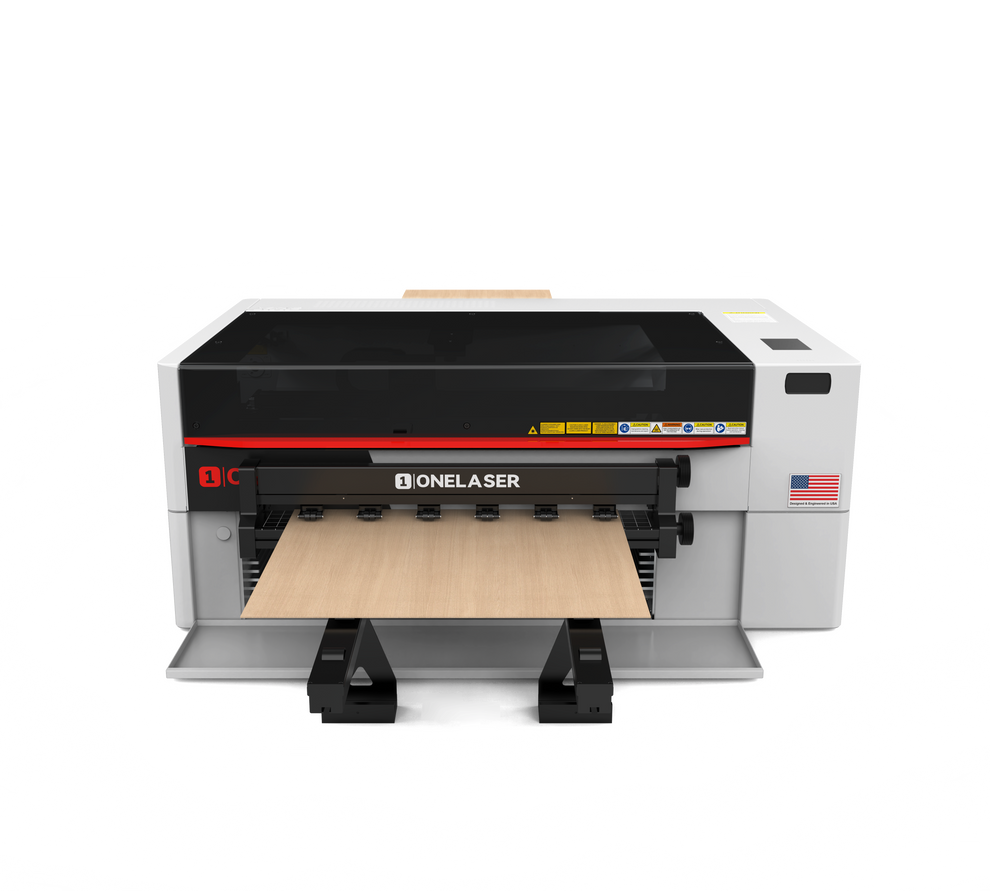
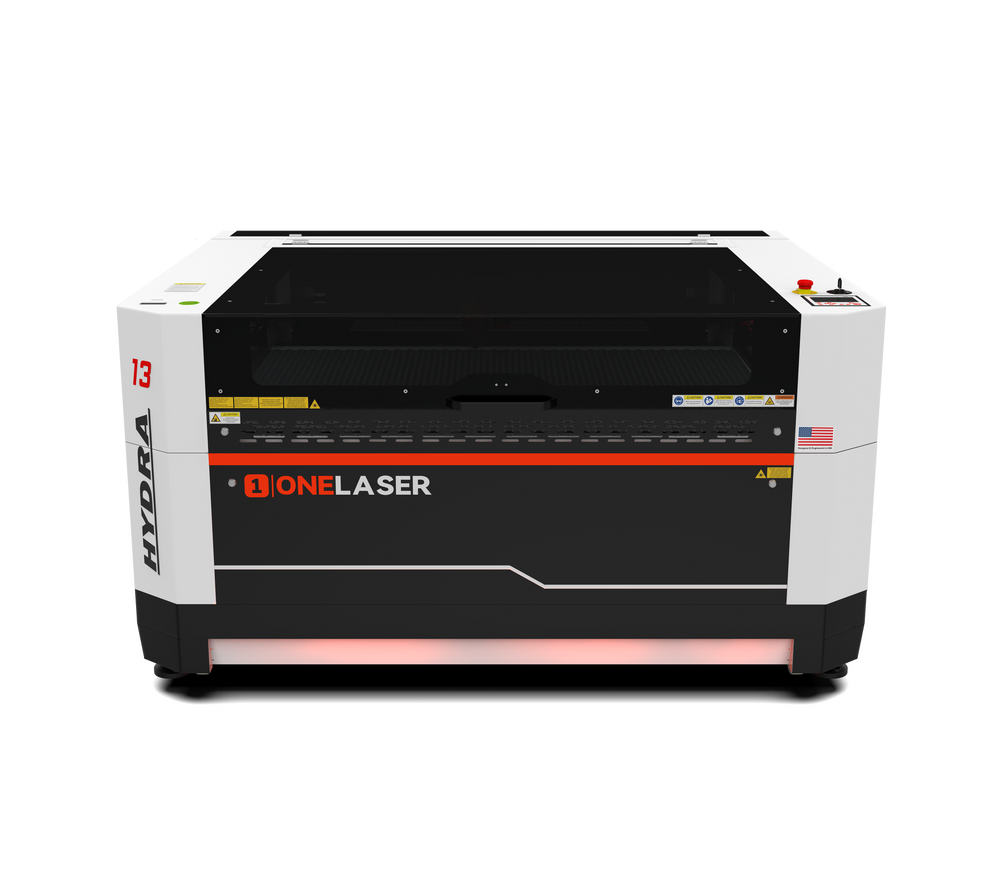
¶ Onelaser Machines
This section contains all articles related to Onelaser laser engravers & cutters. Please click one of the links below to get more info.

¶ Onelaser Software and apps
This section contains articles related to the Onelaser Software and apps. Please click one of the links below to get more info.
¶ Onelaser Firmware Updates
This section contains articles related to the Onelaser Firmware Updates. Please click one of the links below to get more info.
¶ User Manuals
Check out and download the official user manuals for all Onelaser products here.
¶ FAQ
There are quick answers to common questions about OneLaser engravers—setup, software, materials, maintenance, and answers to general questions such about your orders, shipping cost and more in the FAQ .
¶ Troubleshooting
Access the detailed instructions to solve problems for specific model.
¶ Glossary
This is a glossary of common terms and abbreviations used in the Onelaser community.Check the info for reference.
¶ Your Input Makes This Wiki Better
This knowledge base grows with your input. If something is unclear, missing, or could read better, contact usanytime —we review suggestions regularly and fold them into updates. Our aim is to document OneLaser engravers accurately and completely, from setup to maintenance and workflow tips. If you spot errors or out-of-date details, please comment or reach the team via our support page. Note: comments are for content feedback, not hands-on support. For troubleshooting or machine-specific help, please open a ticket on the support page.
¶ Community & Support
If you got any ideas for our products or you want to discuss laser-engraving workflows with other creators—we invite you to join the OneLaser Forum. You’ll find OneLaser engraver machine users sharing projects, material profiles, best-practice settings, maintenance tips, and troubleshooting for OneLaser systems.